



Possible Causes:
-
The screen mirroring software has not been activated.
-
A trial activation was used, and the device was restarted or network configurations were modified during the trial period.
Solution:
-
Activate the software and re-pair:
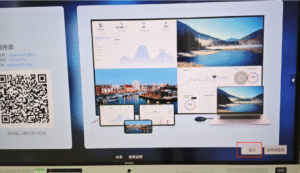
- Click Activate on the home screen and enter the activation code to activate the screen mirroring software.
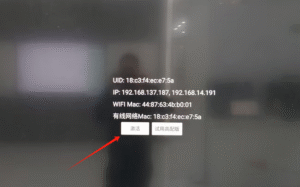
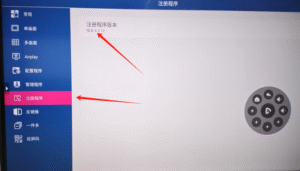
- Alternatively, go to Settings, click Registration Program — Registration Program Version — Activate.
-
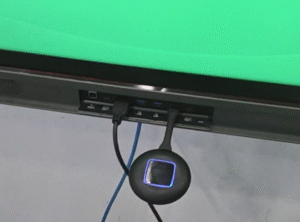
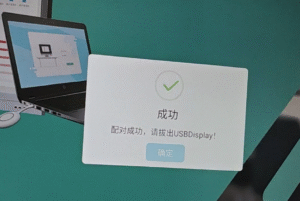
Re-pair the hardware: Insert the USB or Type-C end of the screen mirroring dongle into the USB port of the large interactive display. Wait until the system indicates Pairing Successful.
 English
  简体中文
简体中文 