



Solution:
-
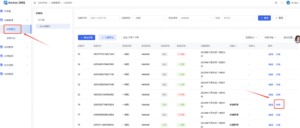
Log in to the DMS Platform, navigate to Device Management — Device Control, and click the Details button next to any online device.
-
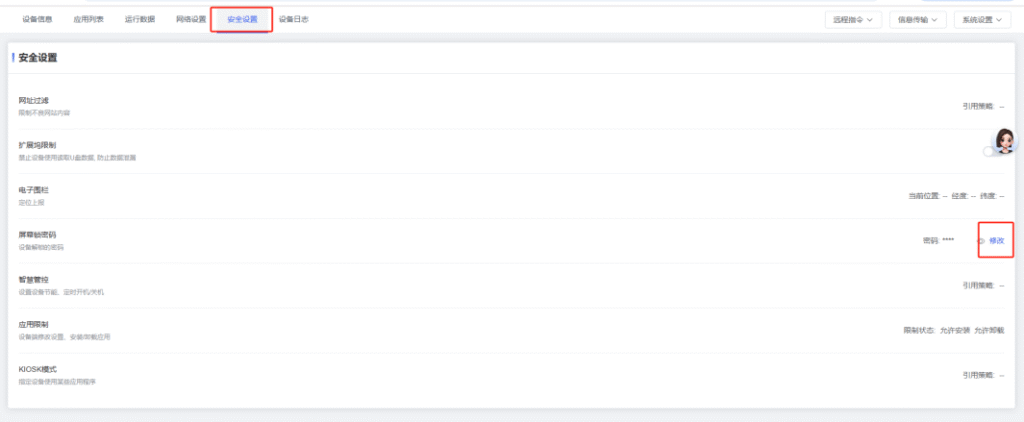
Click Security Settings, then click the Modify button next to the “Screen Lock Password” option.
-
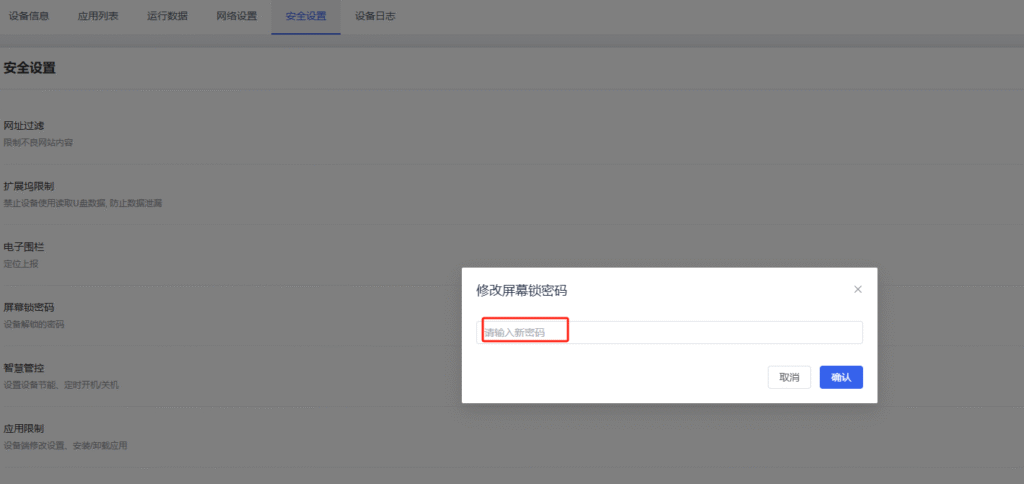
Enter a new 4-digit password and click Save.
 English
  简体中文
简体中文 