



-
Magic Cube Login Showing “QR Code Loading Error / No Network”? 2 Steps to Fix It!
Many teachers encounter prompts like “Error loading QR code” or “No network connection, please check your local network” when logging in. It’s frustrating when your internet seems fine but the app won’t connect! 🤔
Actually, the issue usually isn’t your internet speed—it’s about these two key points. Follow these 2 steps to fix it instantly:
Verify Connection: Ensure your computer is connected to a stable network to rule out any physical disconnections or Wi-Fi drops.
Sync System Time (Crucial!): Check the date and time in the bottom right corner of your screen. It must be accurate to the minute. If your system time is out of sync, security certificates cannot be verified, causing the QR code to fail.
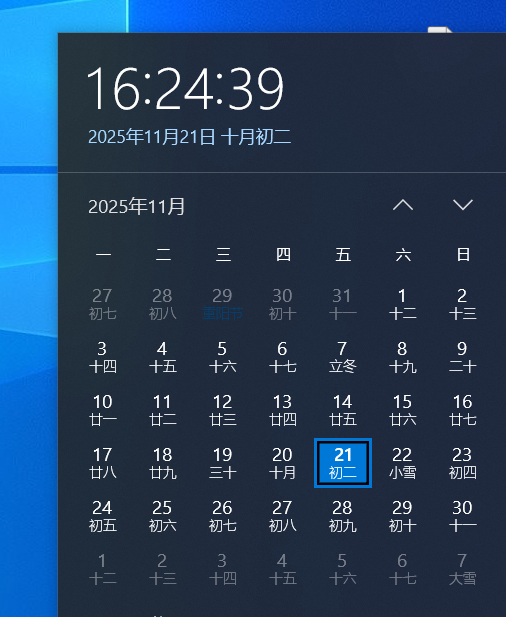
💡 How to Fix: Right-click the time on your taskbar, select “Adjust date/time,” and toggle on “Set time automatically” (or manually update it to the correct time).
Once your time is synced and the network is confirmed, reopen the login page, and the QR code will load perfectly! 🚀

Log in to reply.
 English
  简体中文
简体中文 