



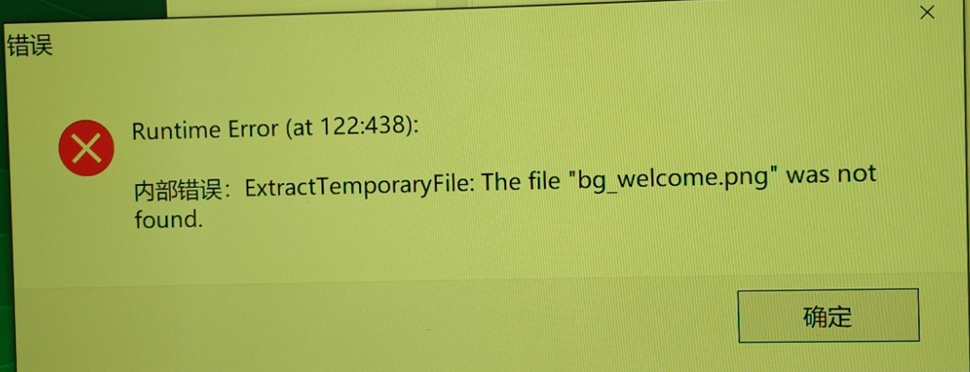
Possible Cause: Aspect ratio is set to A4.
Solution: Change the aspect ratio.
Steps:
Open the visualizer and tap Settings.
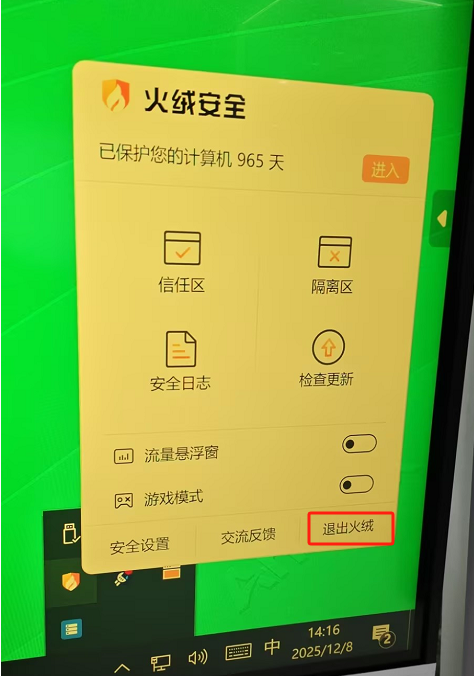
Select Aspect Ratio, then choose the desired option.

Login
0 Comments
Oldest
Newest
Most Voted
Inline Feedbacks
View all comments
Related FAQ
 English
  简体中文
简体中文 