Modern learning and collaboration environments demand tools that are faster, simpler, and more adaptive than traditional projectors or standalone displays. An education/conference all-in-one device brings these needs together in a single, streamlined solution—removing technical friction while elevating how people teach, learn, and communicate.
Unified Tools, Seamless Workflow
Instead of juggling laptops, cables, speakers, and multiple apps, an all-in-one device integrates everything into one system. Teachers and presenters can launch lessons, open documents, switch between activities, or annotate content instantly. This consolidation eliminates setup delays and lets sessions start smoothly and stay focused.
More Engaging Interaction
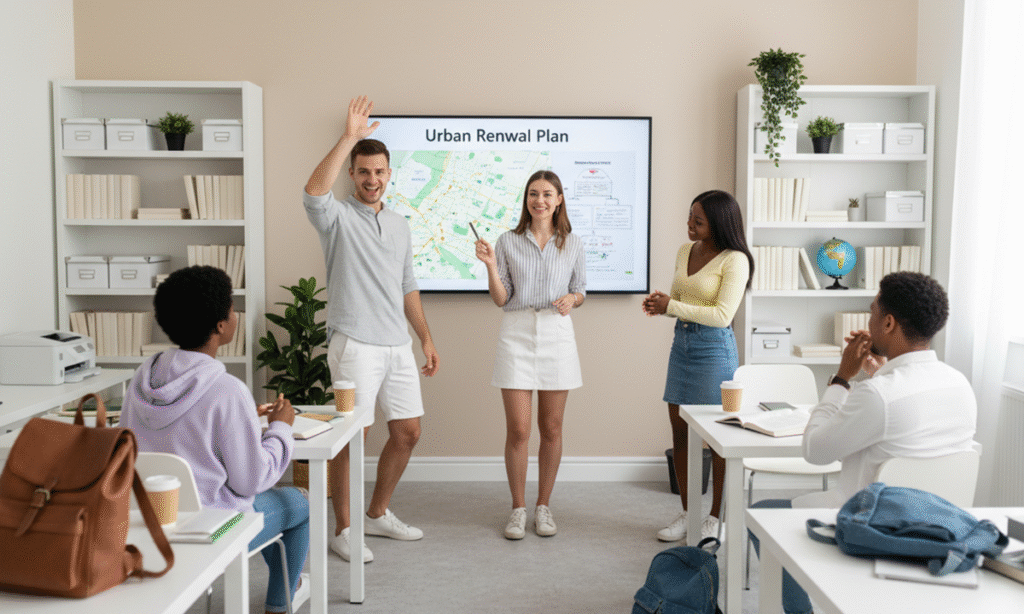
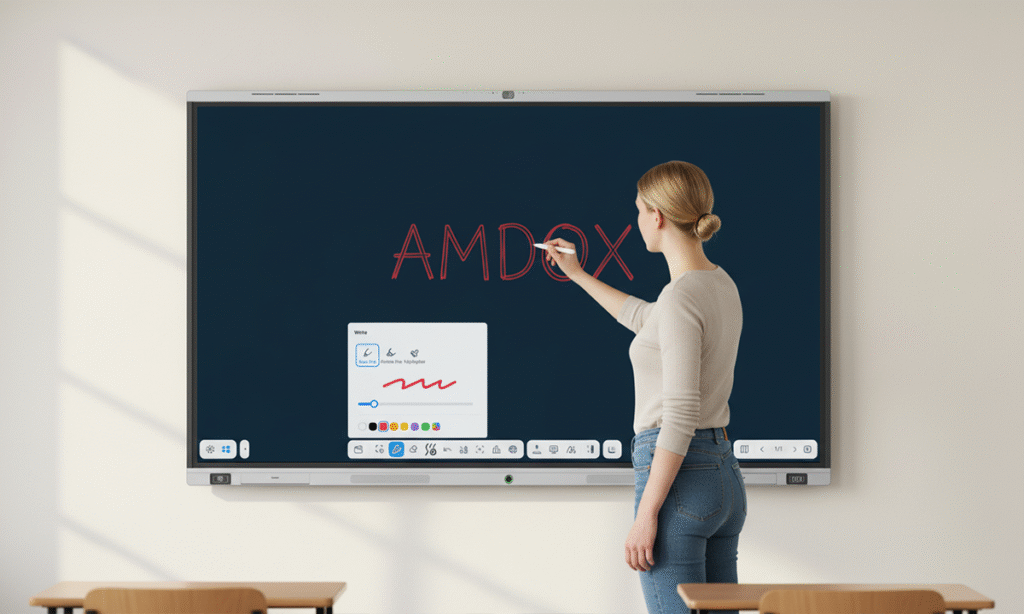
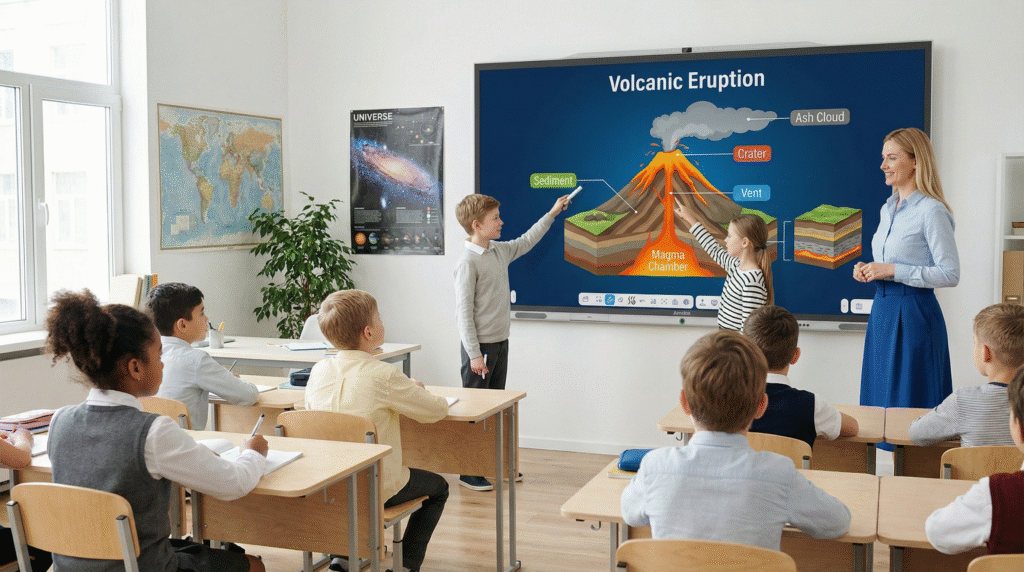
The combination of touchscreen input, digital ink, and real-time collaboration features makes participation more active and dynamic. Students can come to the display to solve problems, brainstorm ideas, or interact with visual content, while meeting attendees can co-edit notes or diagrams directly on screen. The result is conversations that feel natural and inclusive.
Flexible for Any Space
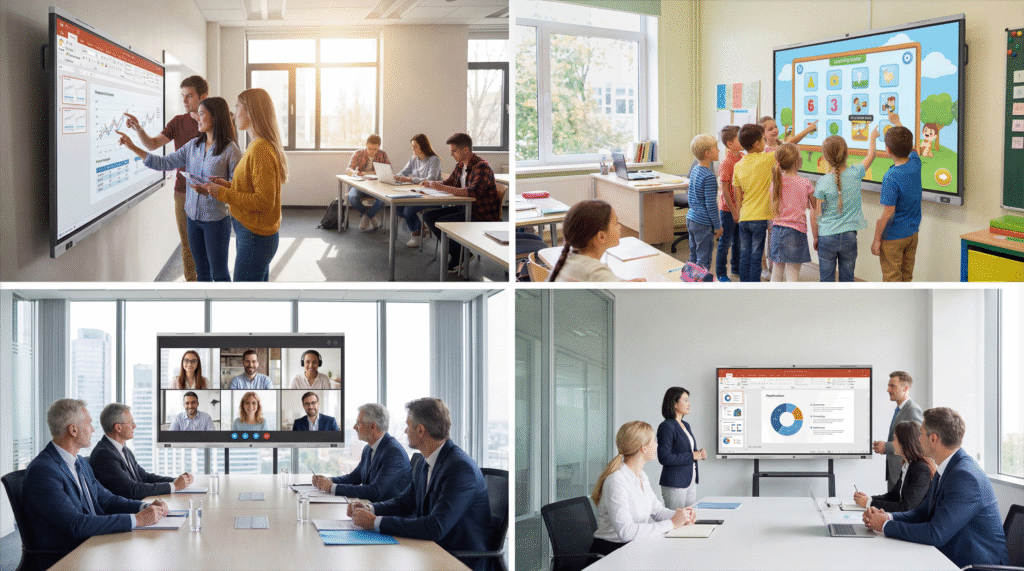
Whether placed in a classroom, training room, or conference space, an all-in-one board adapts to different teaching and meeting styles. It can serve as a presentation display, a writing surface, a video-conferencing hub, or a workspace for group activities—without needing additional devices or complex room configurations.
Better Accessibility and Sharing
With cloud-based connectivity, materials can be accessed from anywhere and shared with anyone. Lessons, meeting notes, and annotations remain automatically saved and easy to revisit. Remote participants can join with equal visibility, creating a cohesive hybrid experience.
Consistent Performance and Lower Maintenance
Since the hardware and software are designed to work together, the system stays stable and easy to maintain. IT teams no longer need to troubleshoot projector bulbs, mismatched drivers, or tangled cables. Everything operates within a unified interface, reducing long-term complexity and cost.
For decades, meeting rooms followed a predictable format: a long table, a projector, and a host who managed the discussion while everyone else listened. But…
Digital tools have transformed the classroom from a static, textbook-driven environment into a dynamic, interactive learning space. Smart devices, cloud platforms, and AI-powered tools now…
Amdox Whiteboard V2.0【 Windows Version 】is now live! Here’s what’s new: Multi-Task Management Visual Task View: A new task management window has been introduced, providing…
Amdox Whiteboard V1.6.0 is now live! Here’s what’s new: Supports intelligent distinction between stylus tip, stylus eraser, and finger, allowing the use of different stroke…







 English
  简体中文
简体中文
Good job